Godot Debug Draw
A downloadable tool
Description
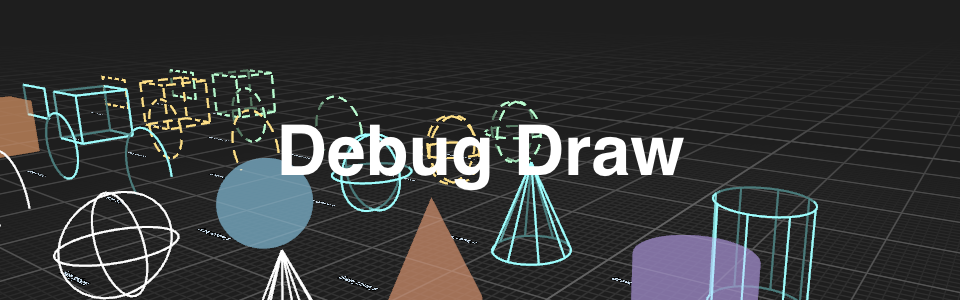
Godot Debug Draw is a lightweight addon for Godot 4.x that provides reusable 3D debug drawing directly in your scenes.
Use it to visualize gameplay logic, level layouts, physics queries, AI behavior, navigation paths, transforms, and spatial relationships while your game is running. Submit transient draw commands each frame, and the addon renders them with MultiMeshInstance3D nodes and shaders.
It supports everything from simple lines and arrows to wireframe and solid primitives, making it useful for debugging, prototyping, editor-style tools, and in-game developer visualizations.
Features
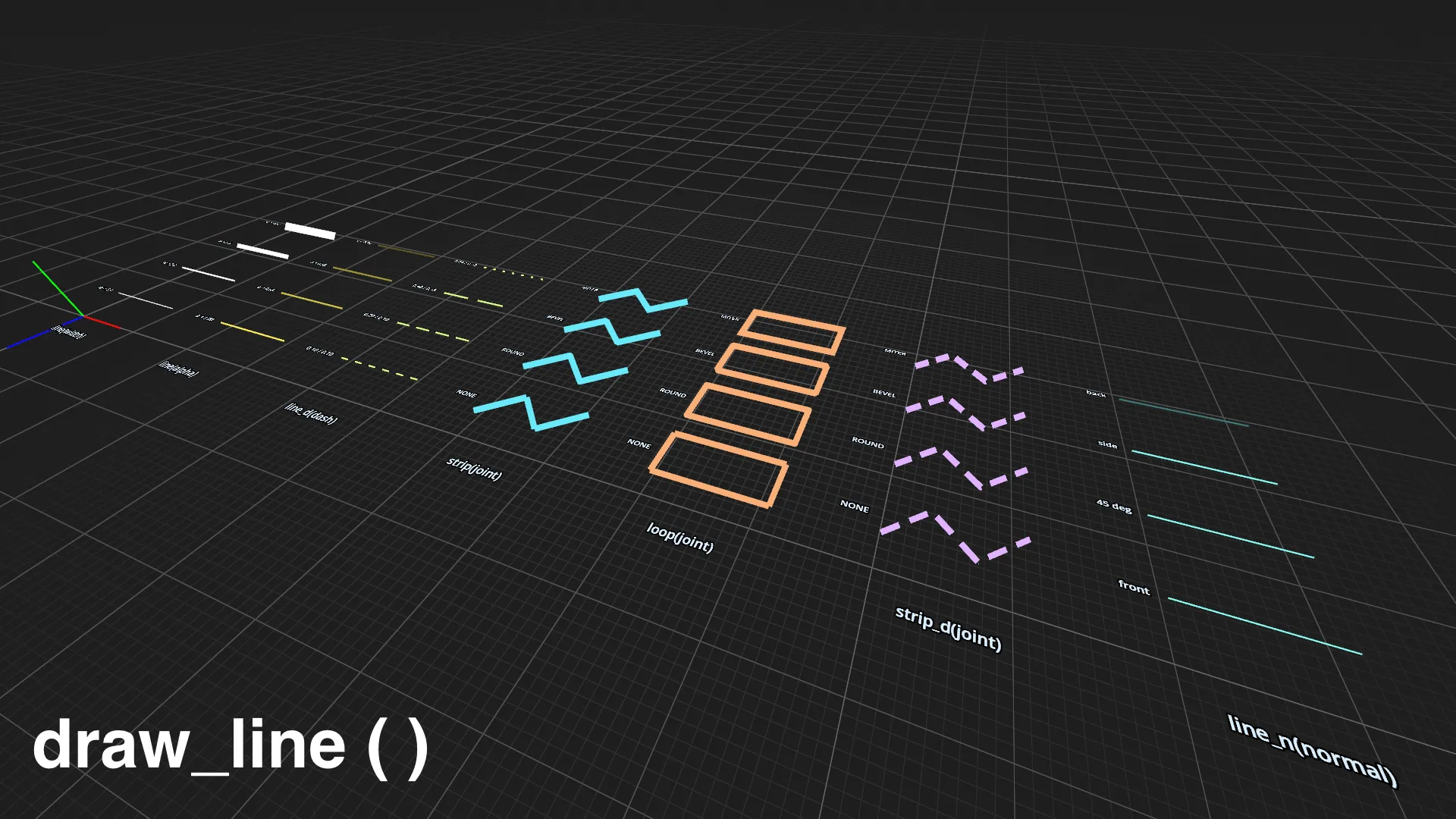
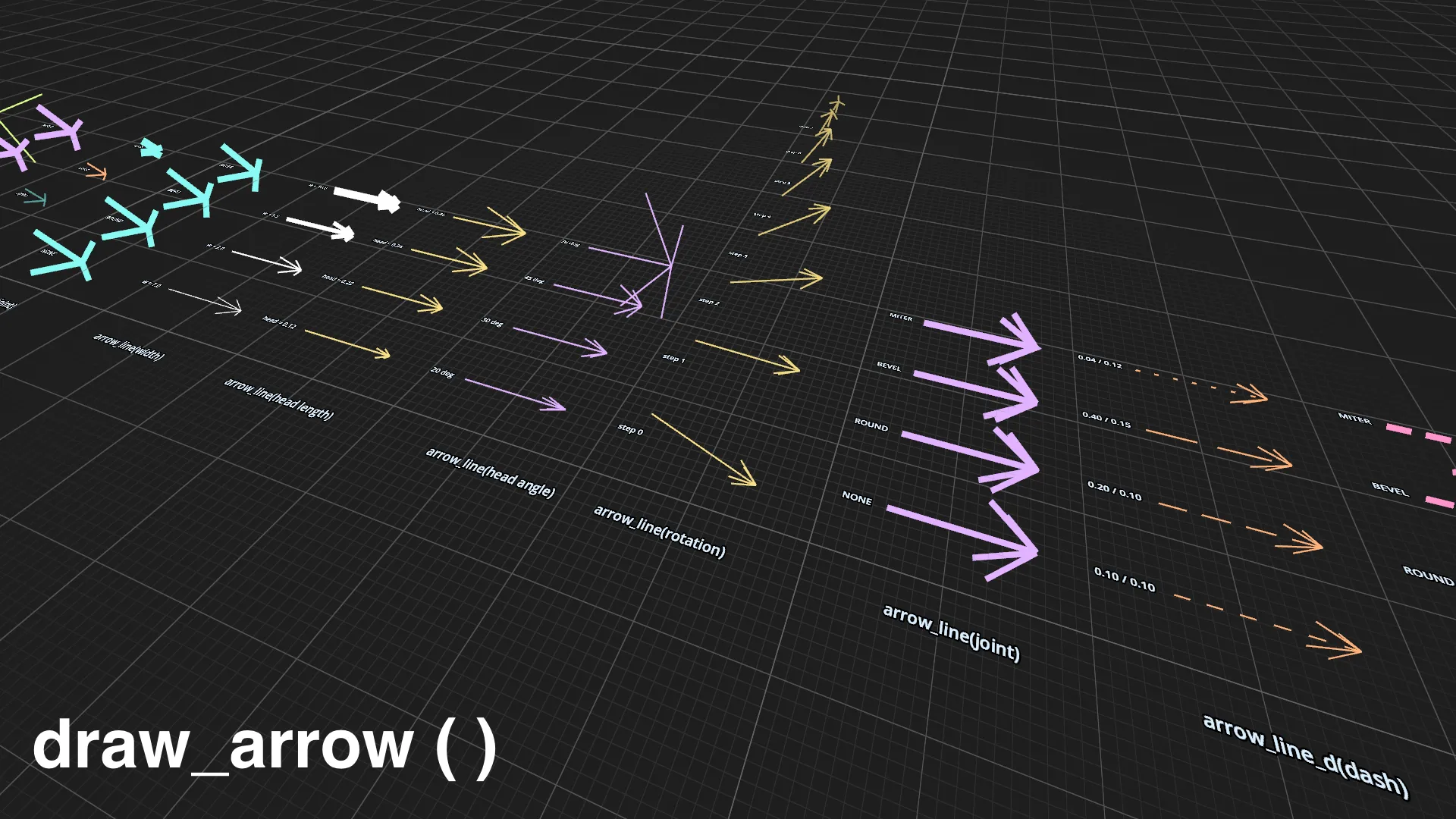
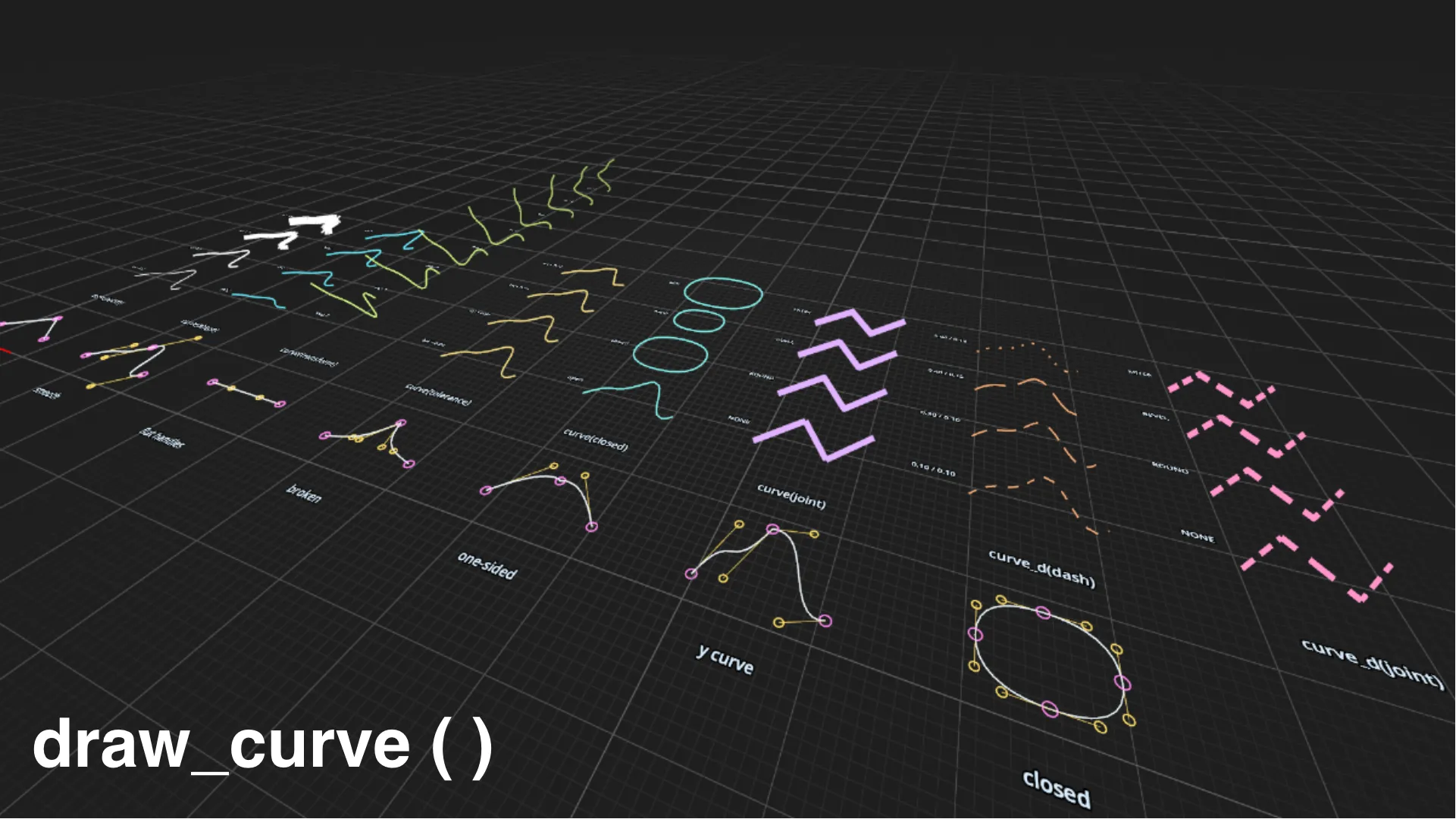
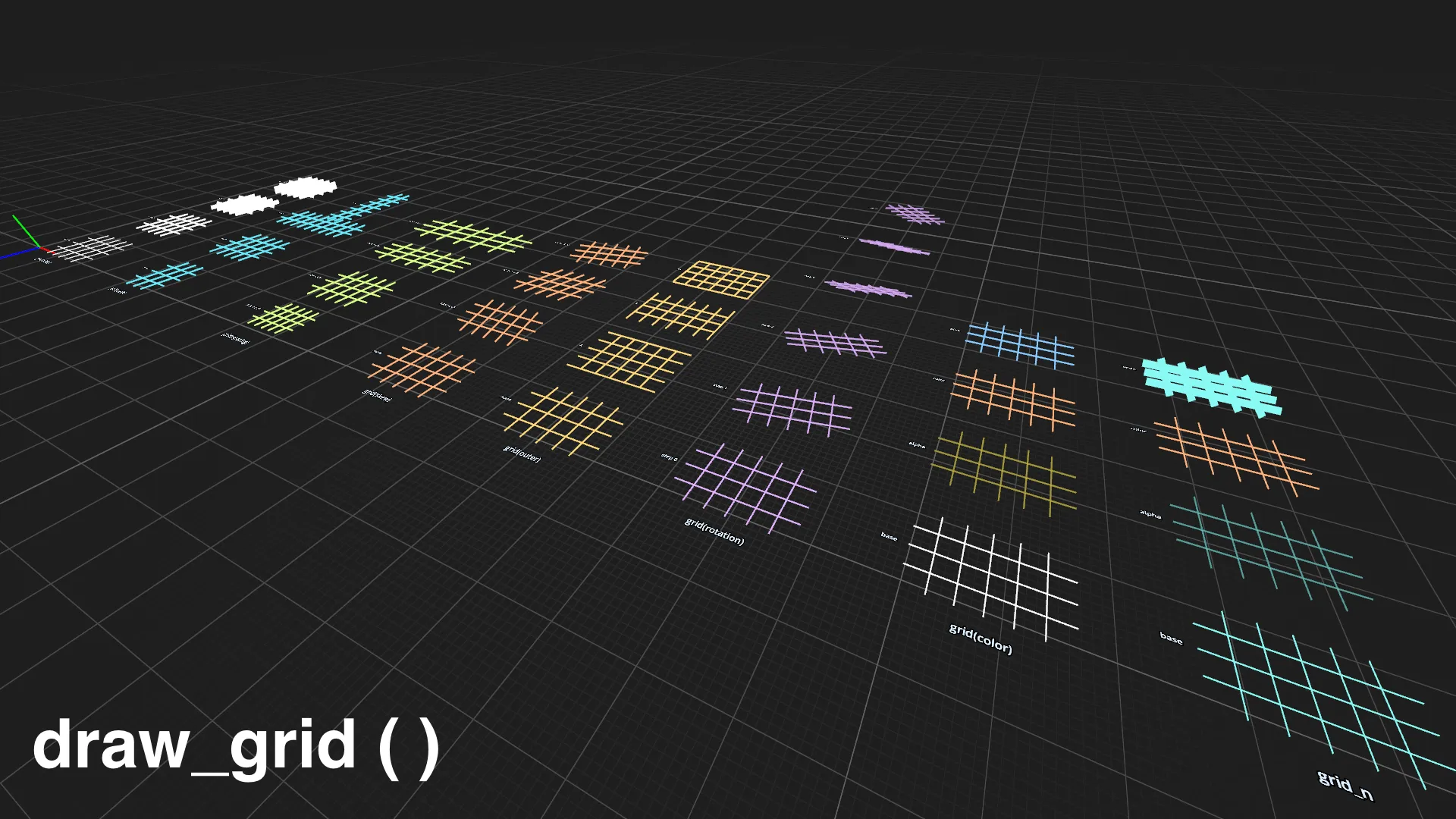
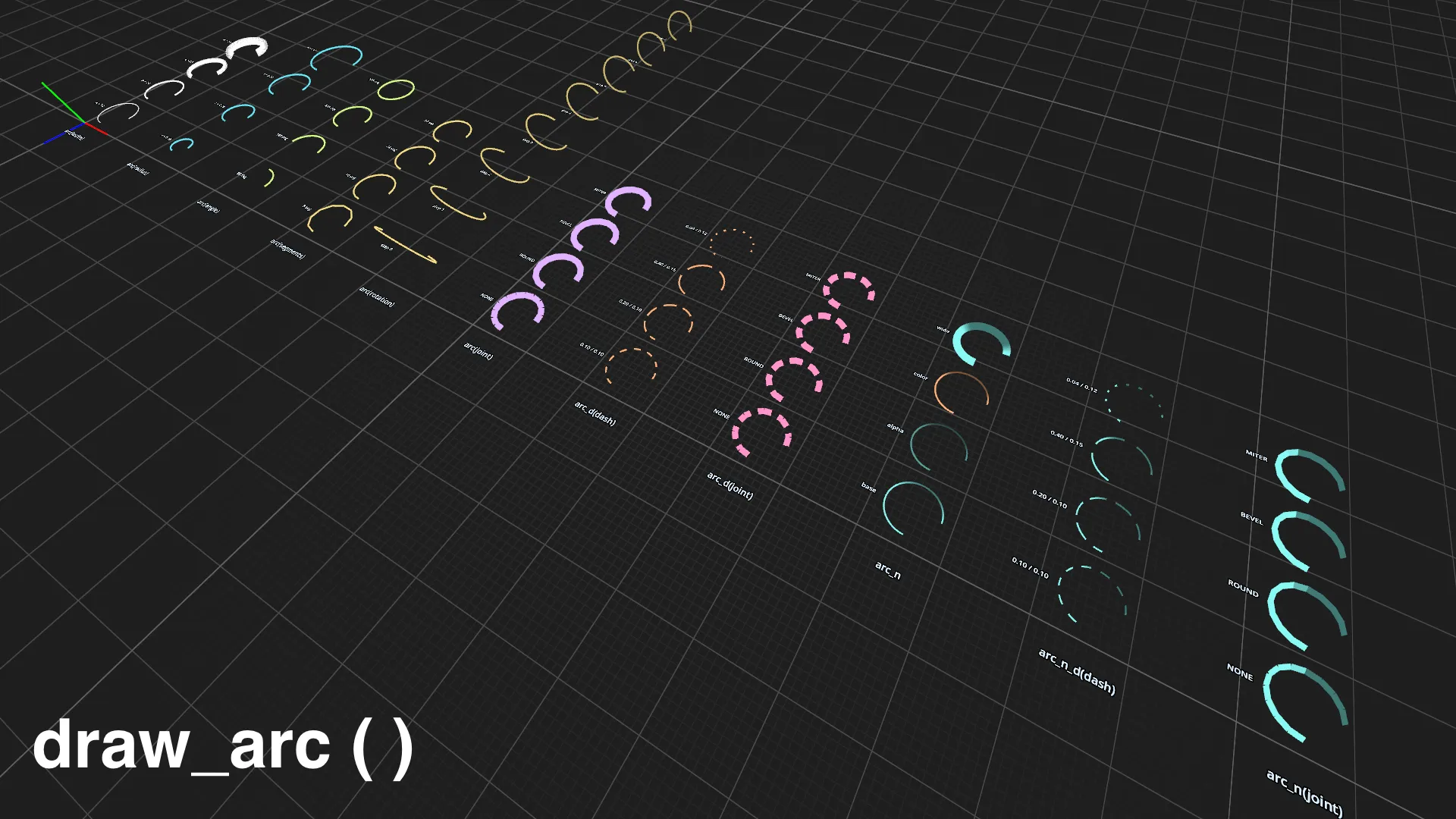
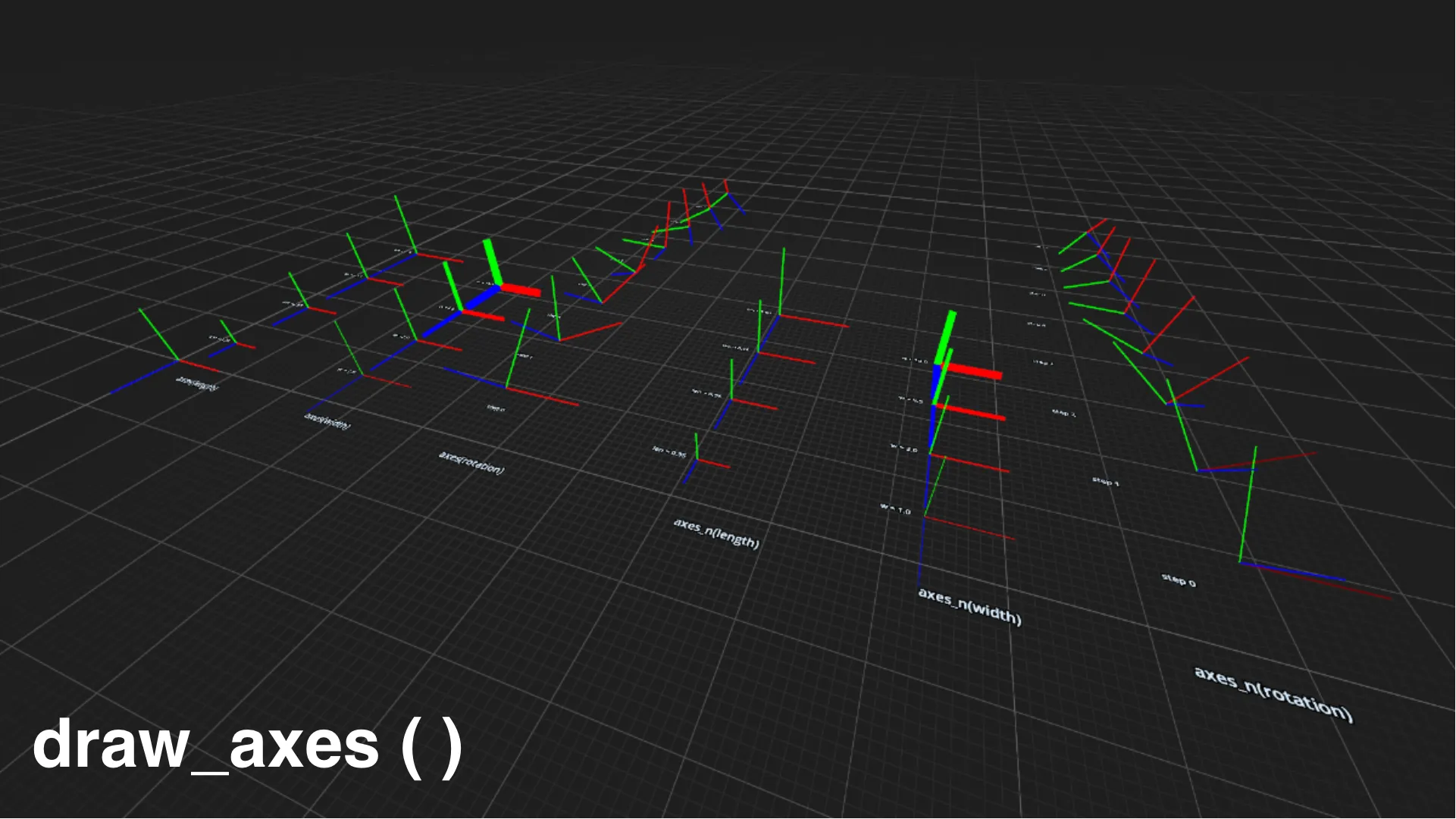
- Lines, rays, arrows, axes, point collections, curves, and grids
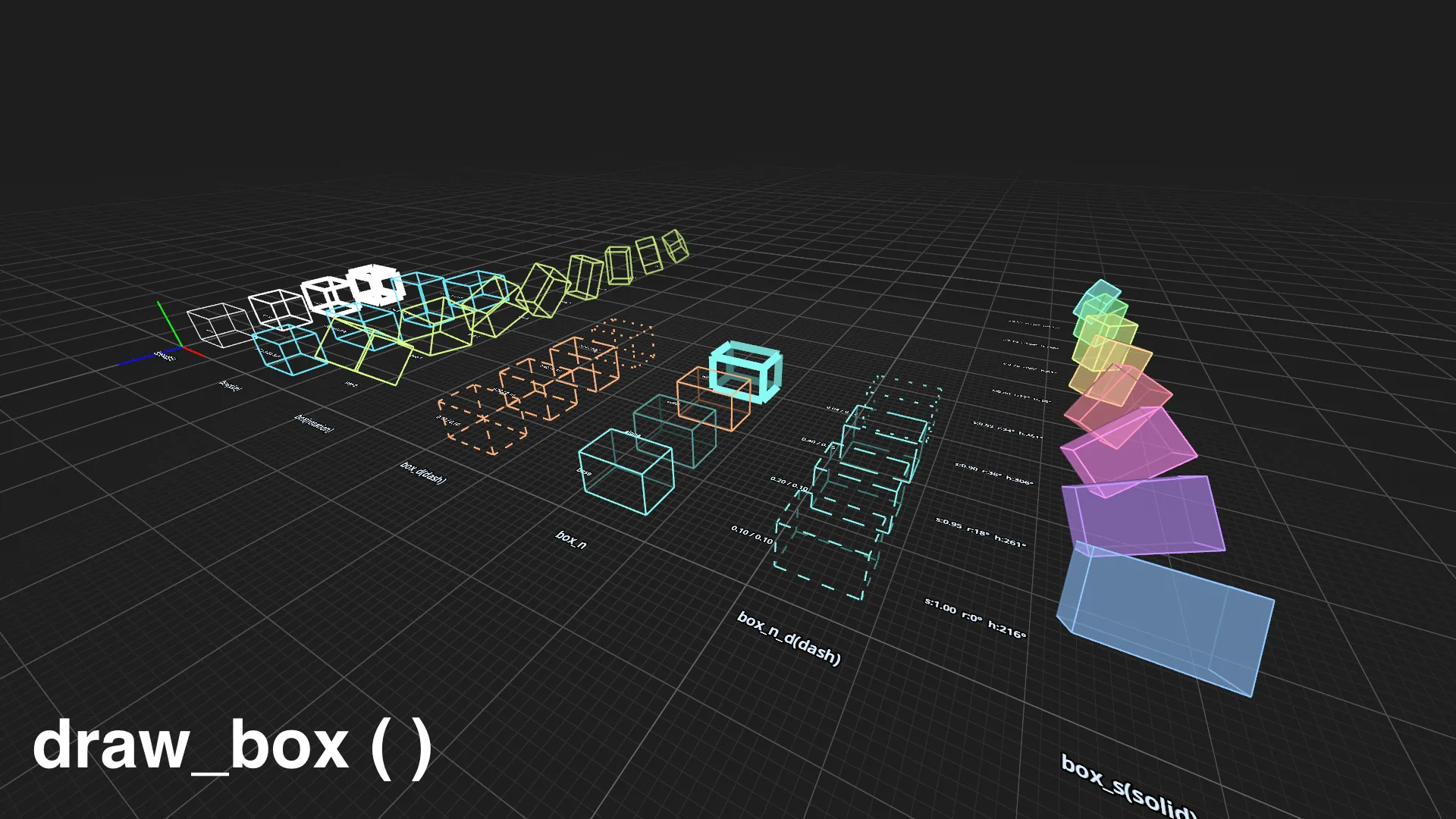
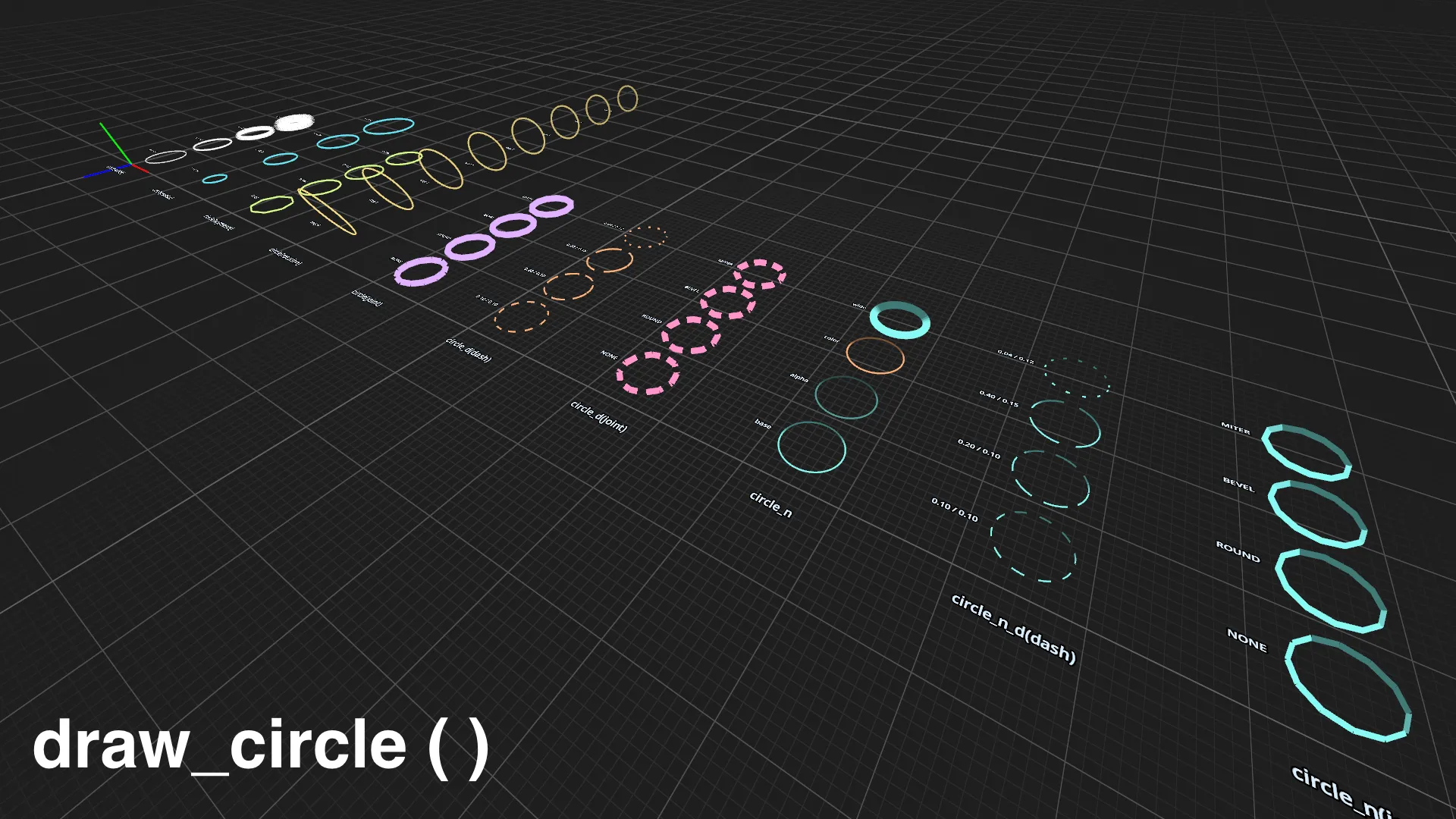
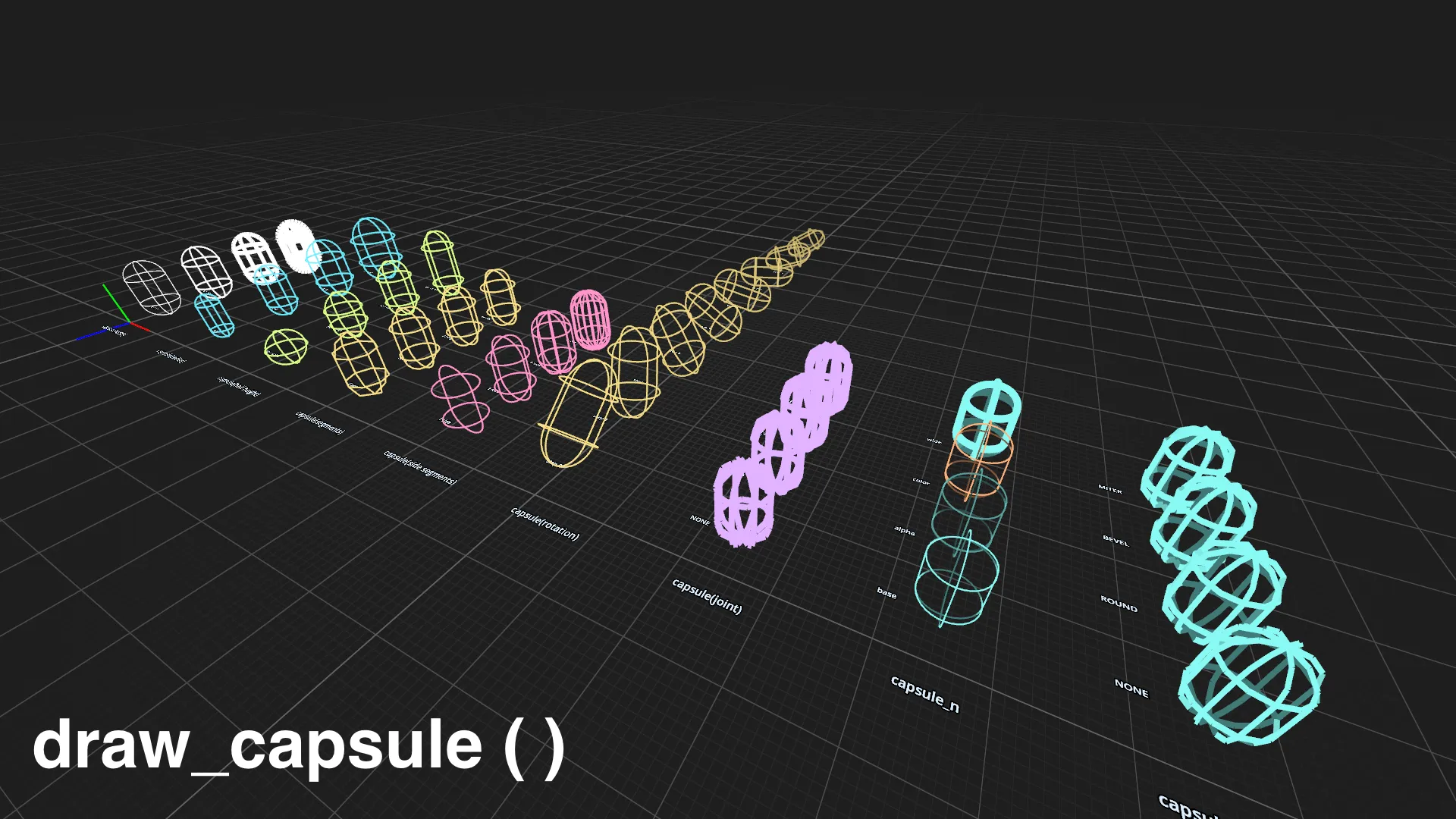
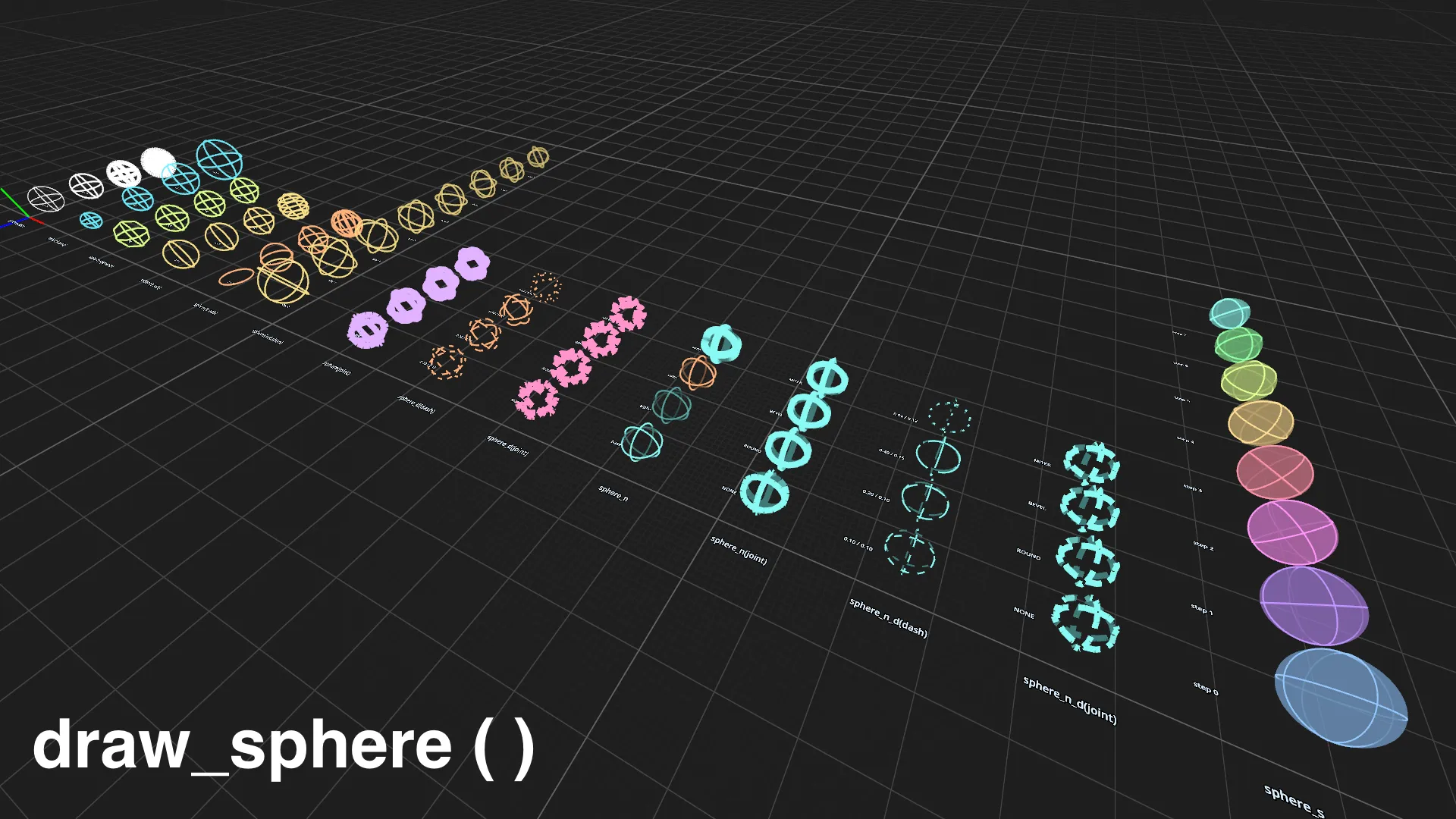
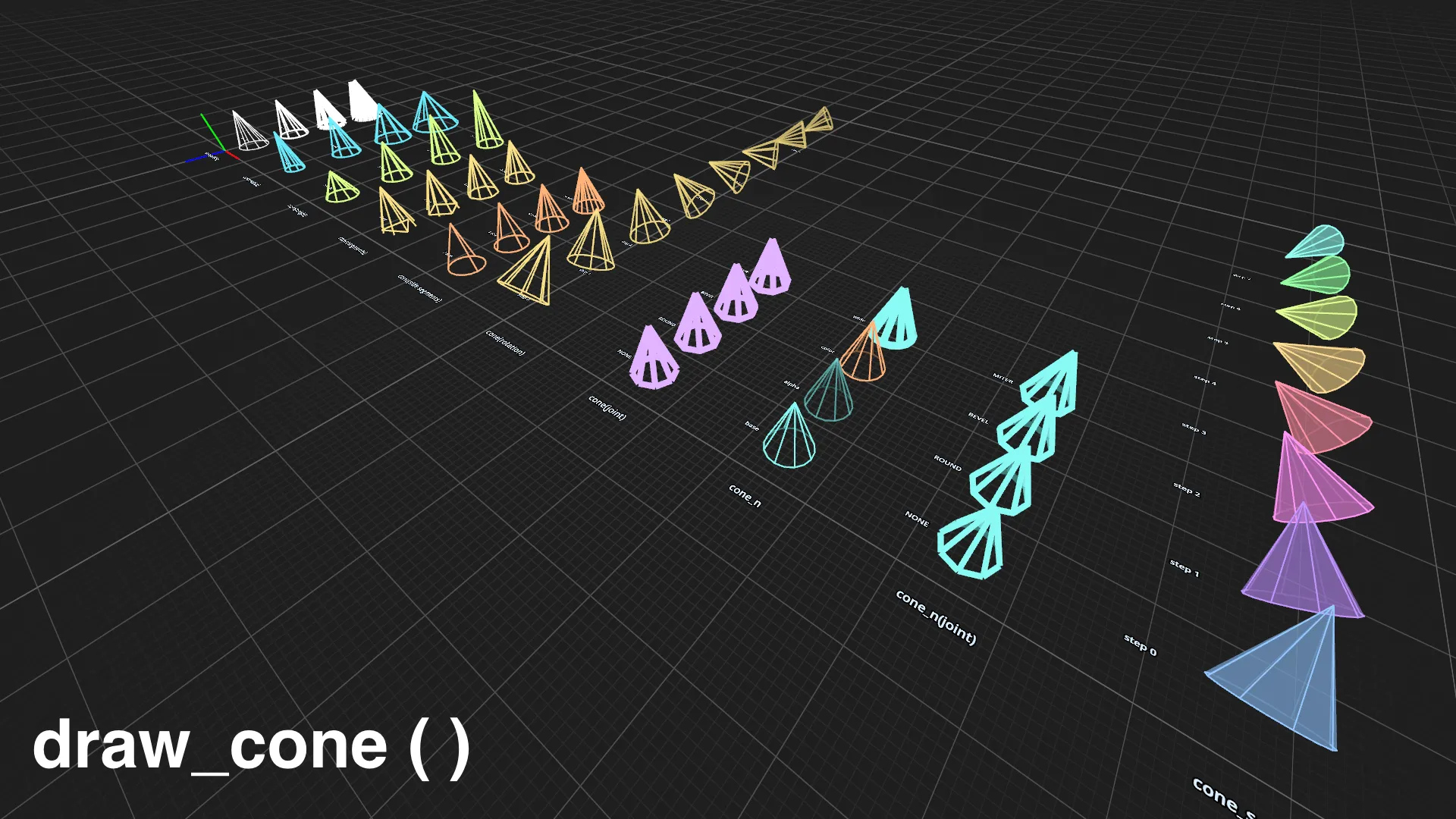
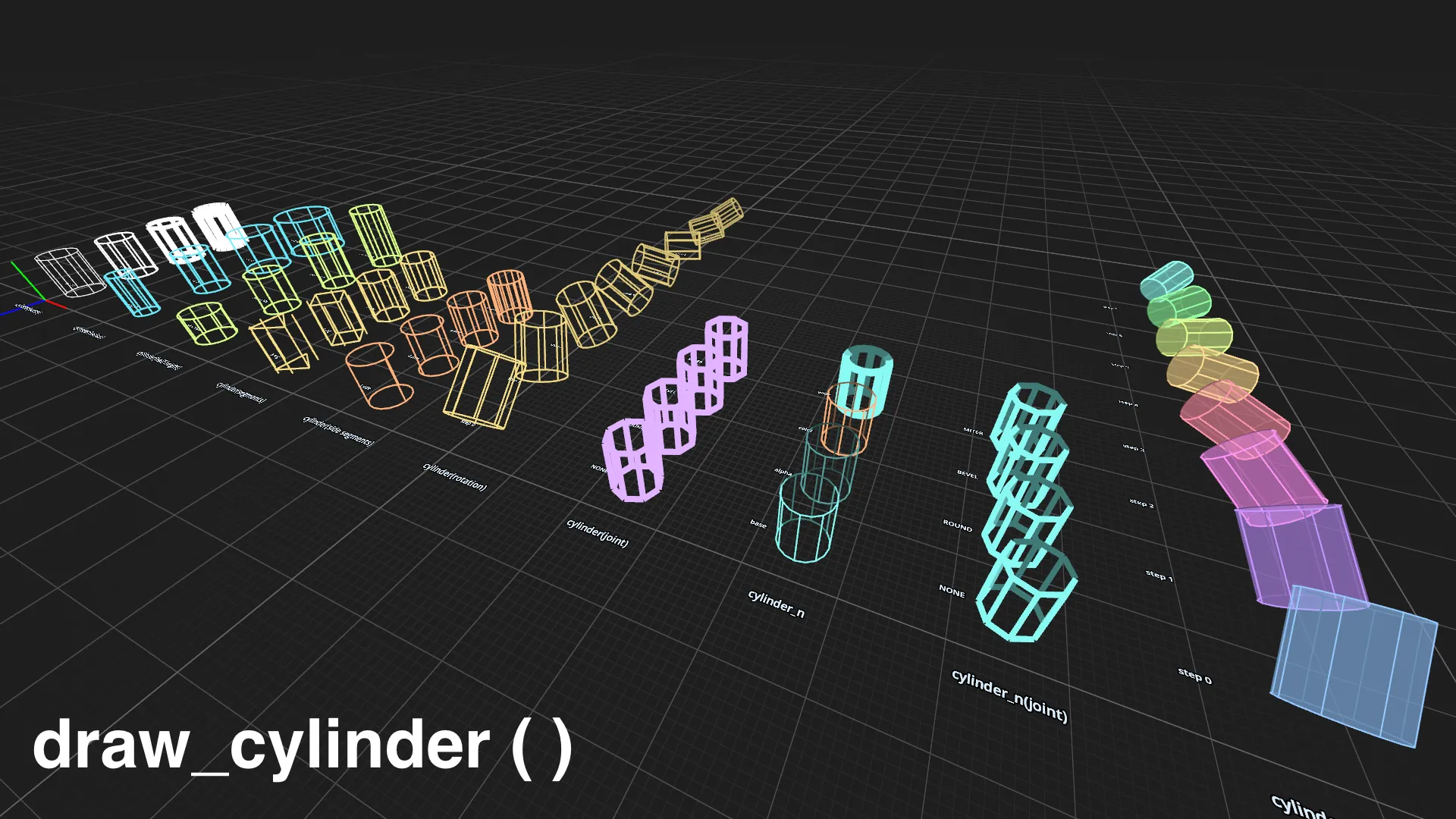
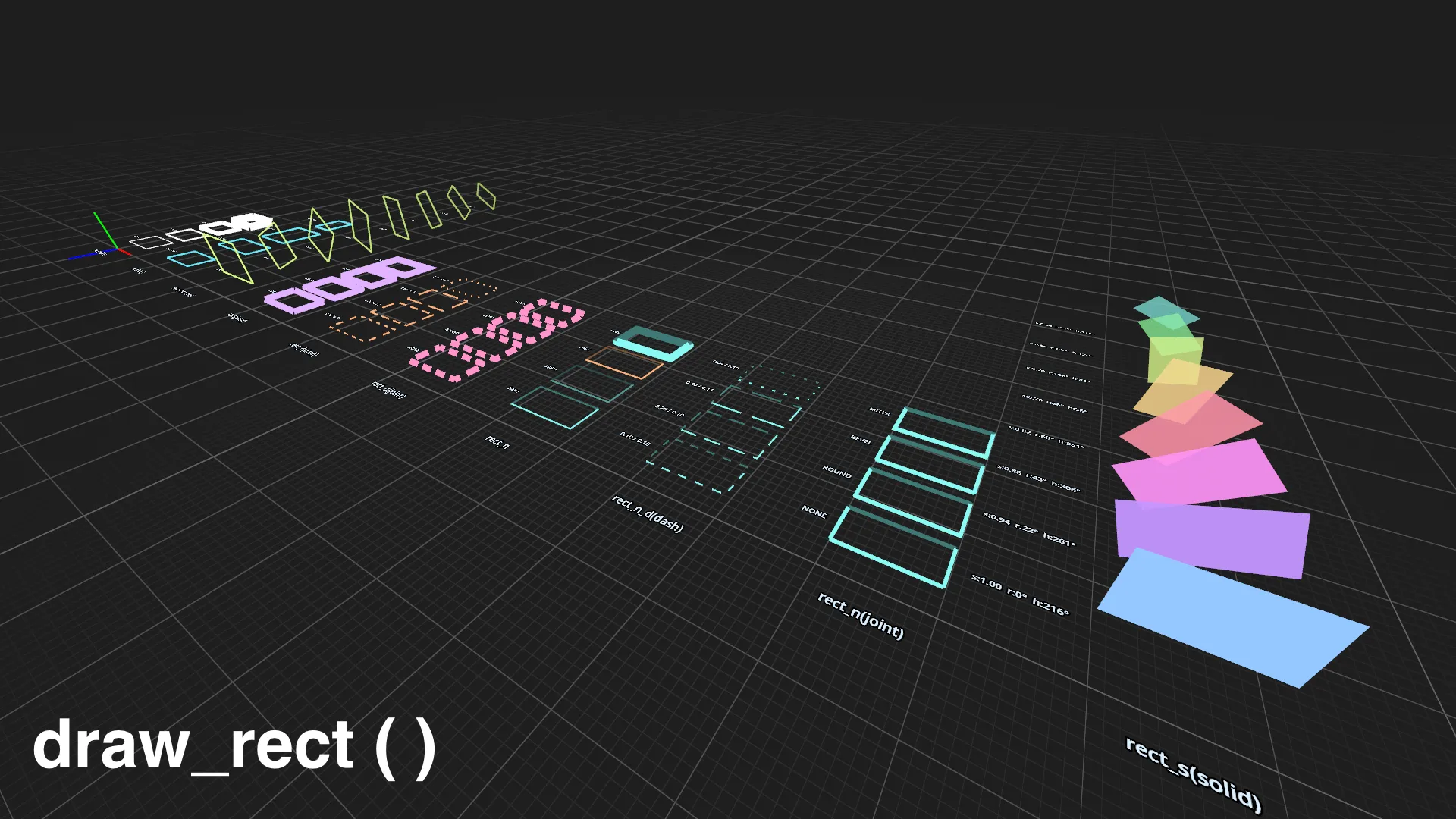
- Wireframe and solid rects, boxes, spheres, cones, cylinders, and capsules
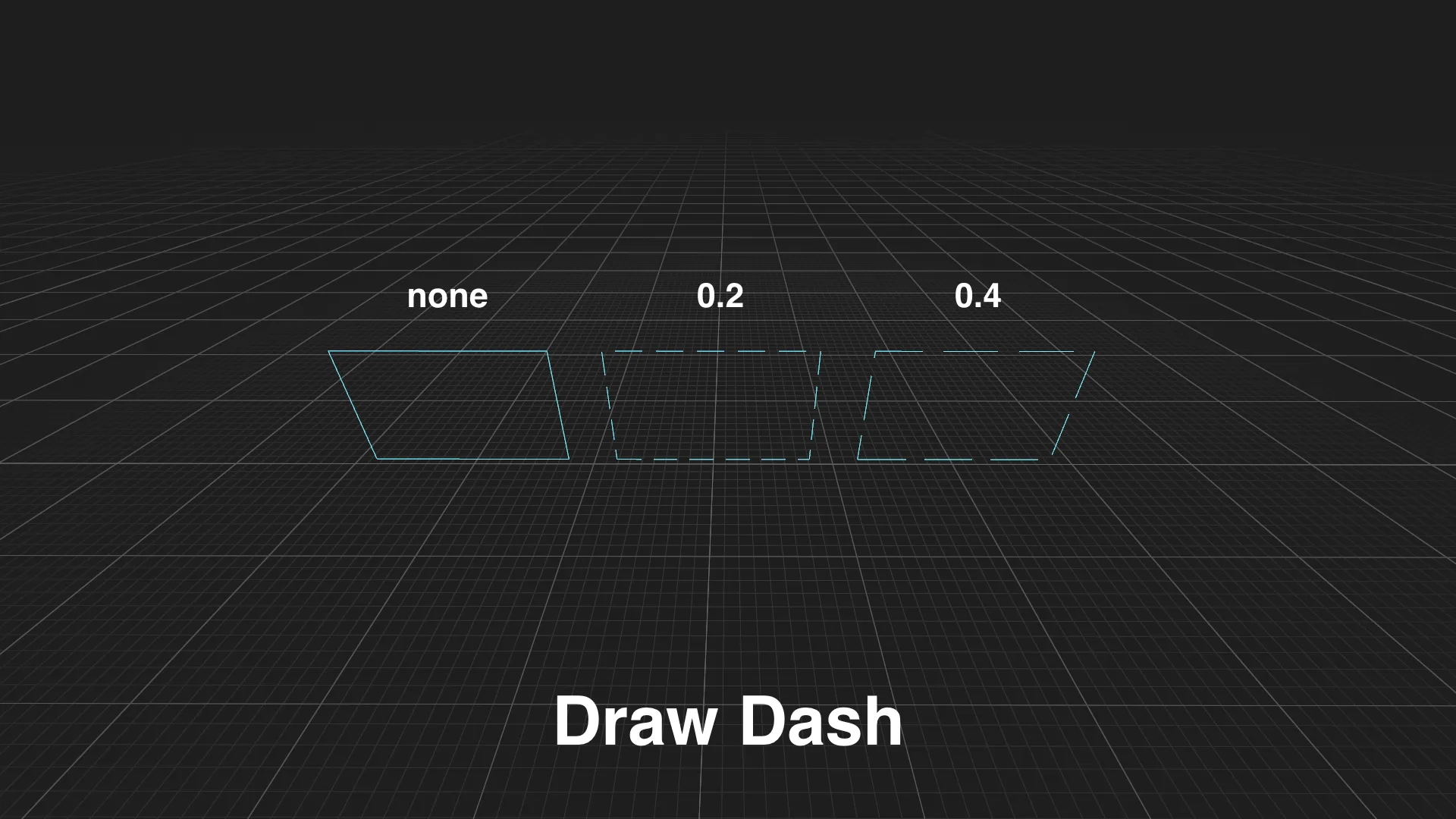
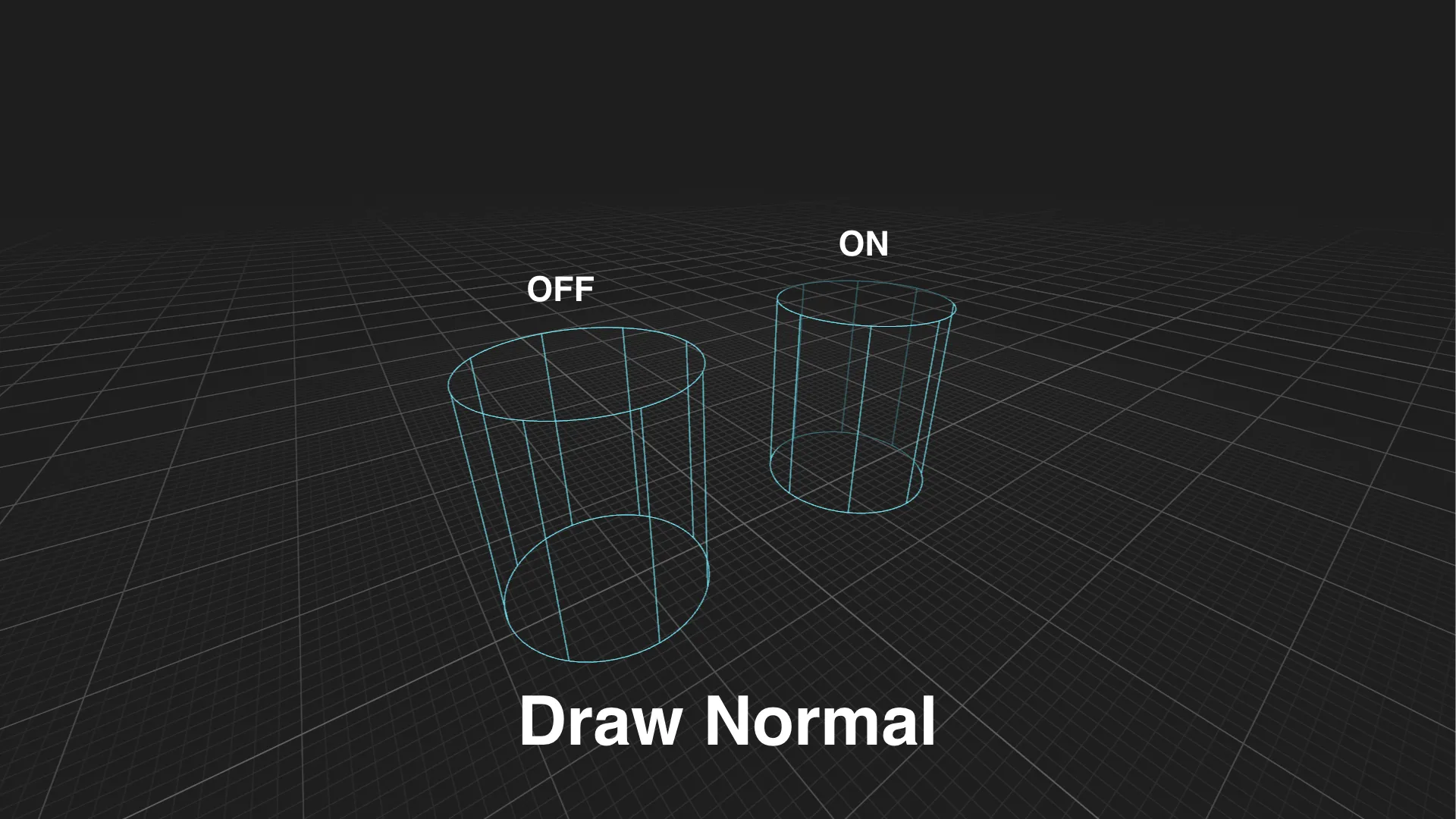
- Dashed lines and normal-aware fading
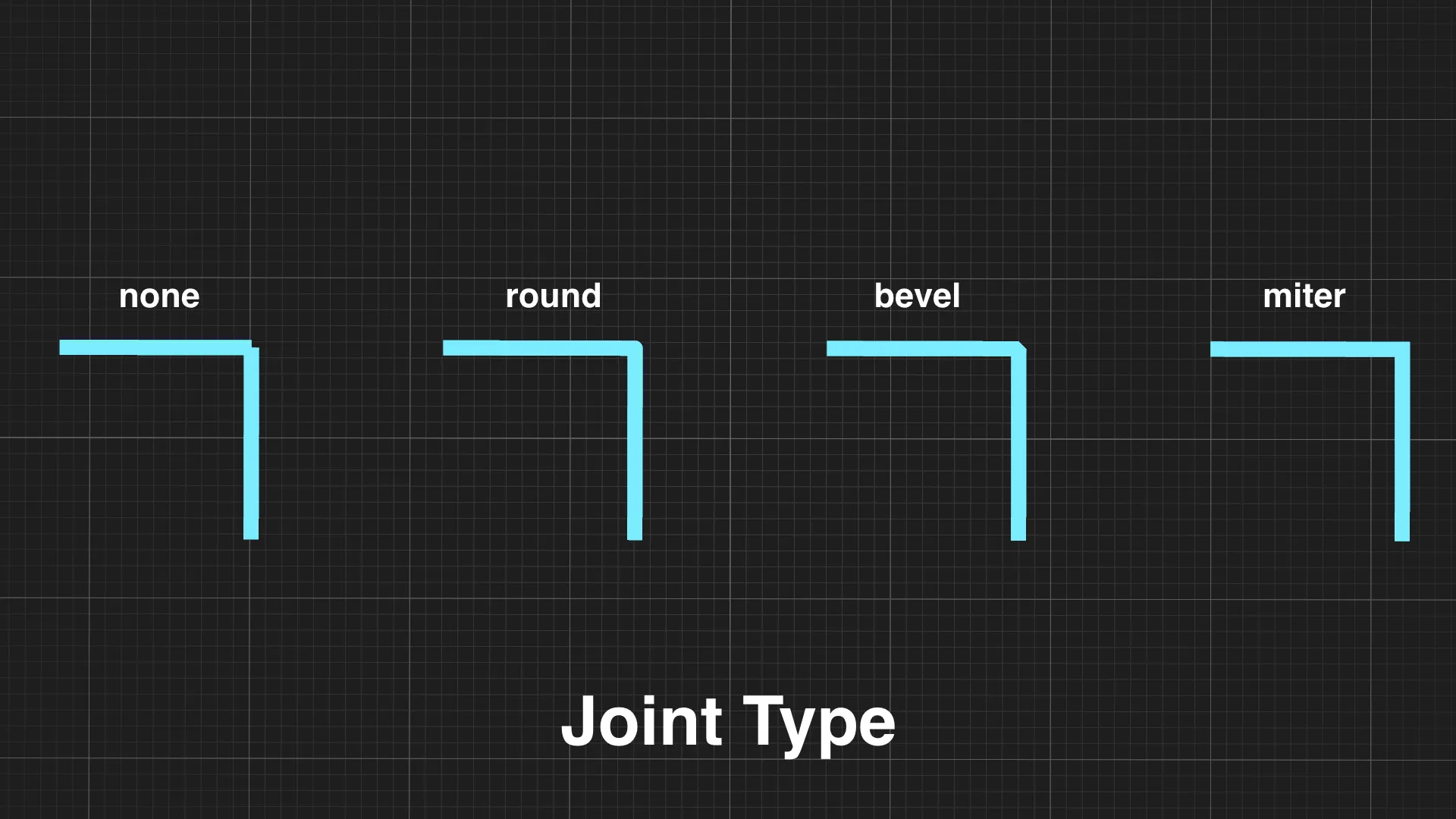
- Round, bevel, and miter line joints
- Screen-space line widths and configurable depth bias
- Layer filtering for organizing different debug visualizations
- Curated example scenes for every public shape family
- No external runtime dependencies
- No plugin activation required
Quick use
Copy the addon folder into your Godot project:
res://addons/debug_draw/
Then instance the provided scene in a 3D scene:
res://addons/debug_draw/debug_draw_3d.tscn
Access the DebugDraw3D node and submit draw calls every frame:
@onready var debug_draw: DebugDraw3D = $DebugDraw3D func _process(_delta: float) -> void: debug_draw.draw_line(Vector3.ZERO, Vector3.RIGHT, Color.WHITE, 2.0)
Documentation and examples
Full installation instructions, concepts, API reference, and example scenes are available on GitHub:
GitHub: https://github.com/hardalex/godot-debug-draw
The repository includes an API index and curated scenes for every supported shape family. Run the example project to open:
examples/index.tscn
If you find the addon useful, please consider starring the GitHub repository. It helps make the project easier to discover and keeps the latest documentation, examples, and releases in one place.
License
MIT License.
Download and installation
Download the addon package from this itch.io page, then extract it into your Godot project.
Your project should contain this folder after installation:
res://addons/debug_draw/
No plugin activation is required. Instance debug_draw_3d.tscn in a 3D scene, then submit debug draw calls through its DebugDraw3D node.
For the latest source code, examples, and release updates, visit the GitHub repository:
Download
Leave a comment
Log in with itch.io to leave a comment.